Cara Melakukan Edit Assesment Awal Rawat Inap pada Katelia Core

Last modified: November 25, 2025
You are here:
Estimated reading time: < 1 min
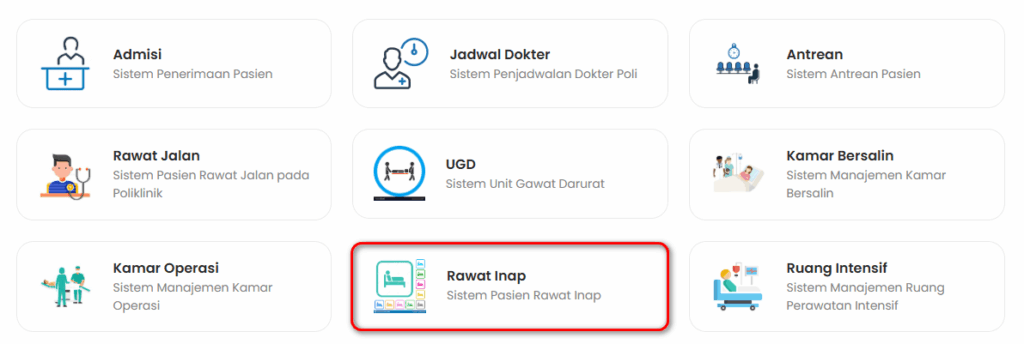
  1. Pilih menu Rawat Inap pada Dashboard

b. Lalu pilih Dashboard

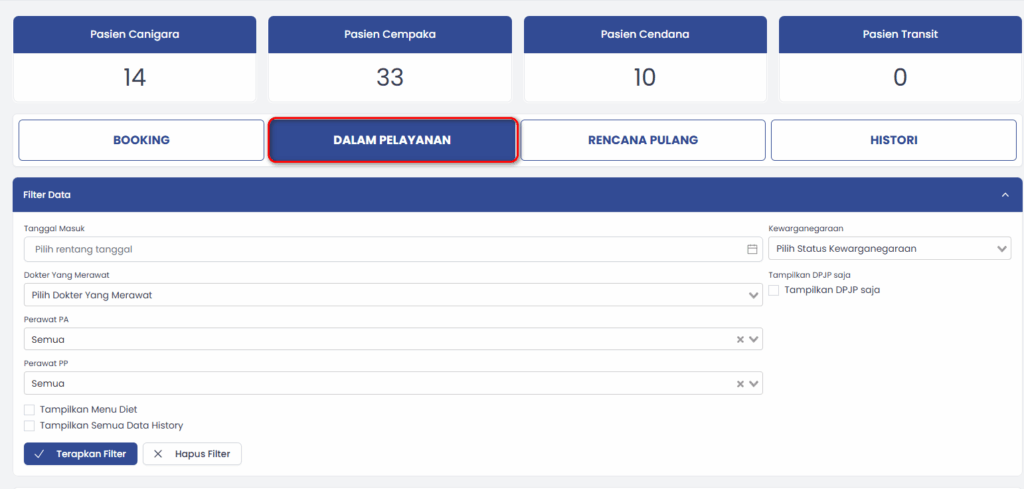
c. Pilih Dalam Pelayanan
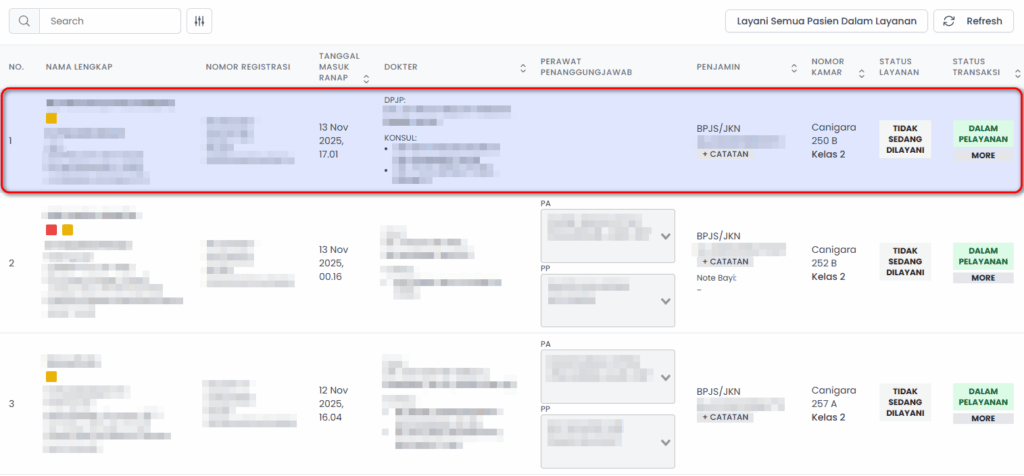
d. Pilih Pasien
e. Lalu pilih Assesment Awal Rawat Inap
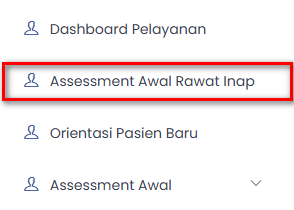
f. Lengkapi form yang tersedia

g. Setelah melengkapi from pilih Simpan Form Keperawatan

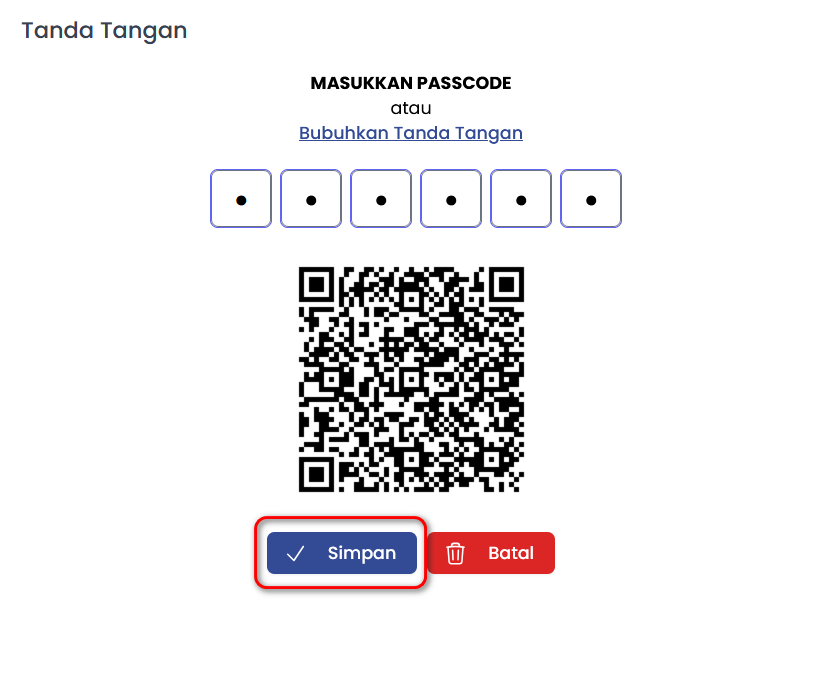
h. Masukkan Passcode
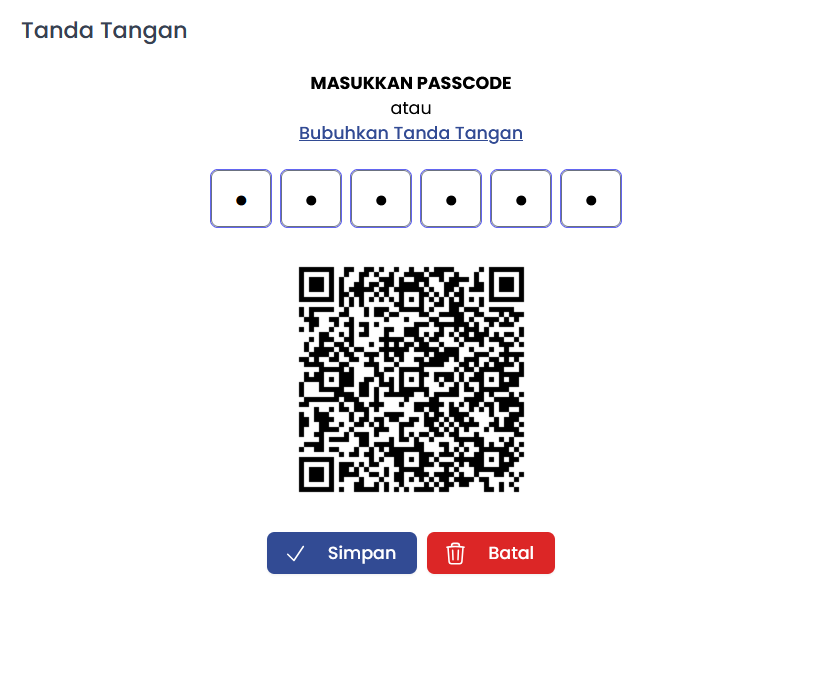
  1. Lalu pilih Simpan
Was this article helpful?
Dislike 0 0 of 0 found this article helpful.

Leave a Reply

Your email address will not be published. Required fields are marked *