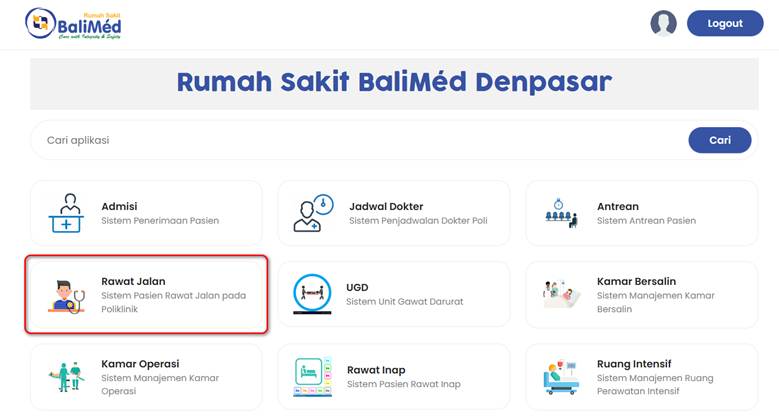
- Pilih Rawat Jalan
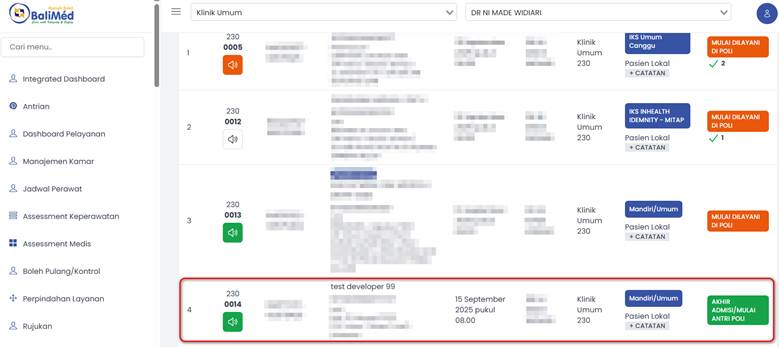
b. Pilih Data Pasien
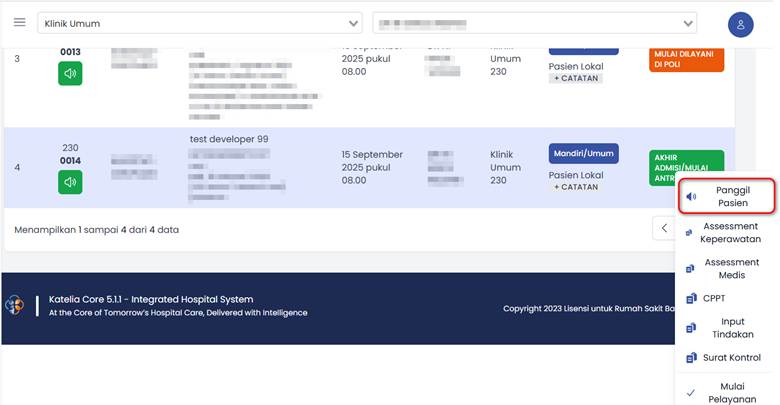
c. Pilih Panggil Pasien
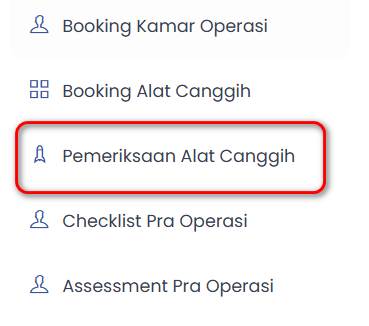
d. Pilih Pemeriksaan Alat Canggih
e. Pilih icon pada pojok kiri atas
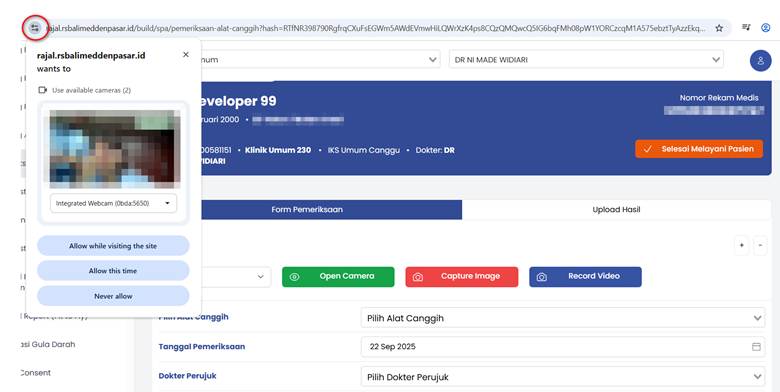
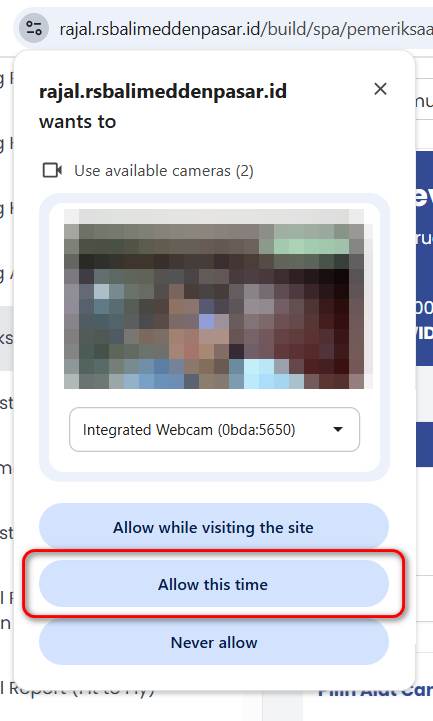
f. Pilih Allow This Time
g. Pilih OEM Device
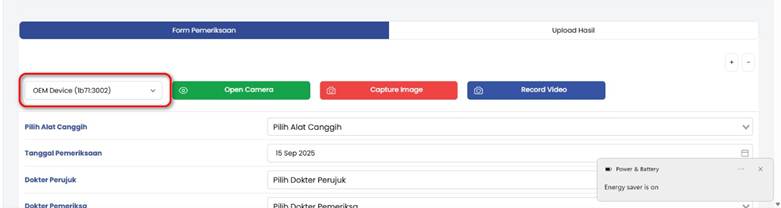
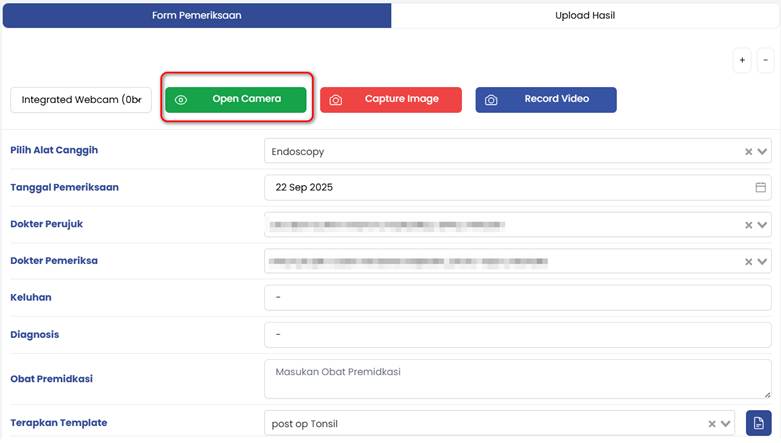
h. Pilih Open Camera
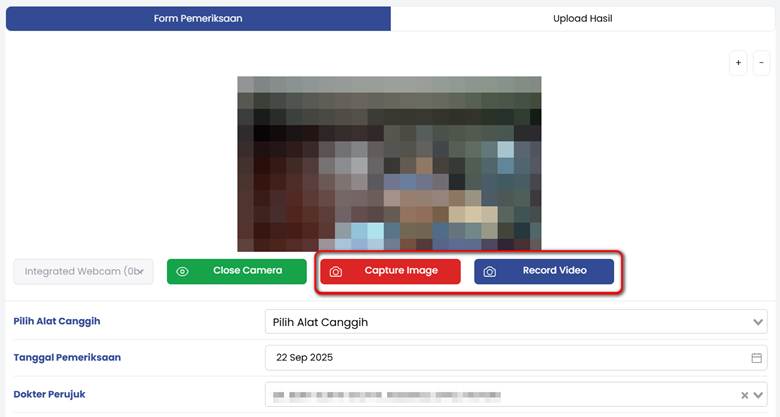
- Pilih Capture Image untuk menangkap gambar, pilih Record Video untuk merekam video
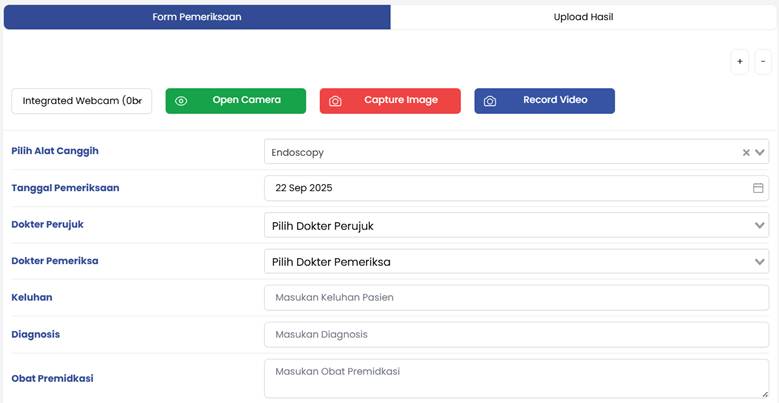
j. Lengkapi Form
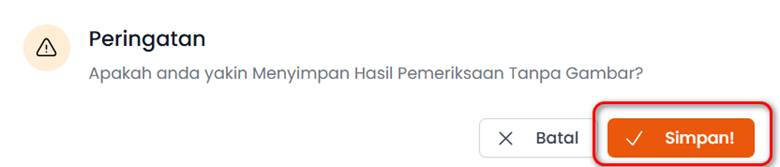
k. Pilih Simpan
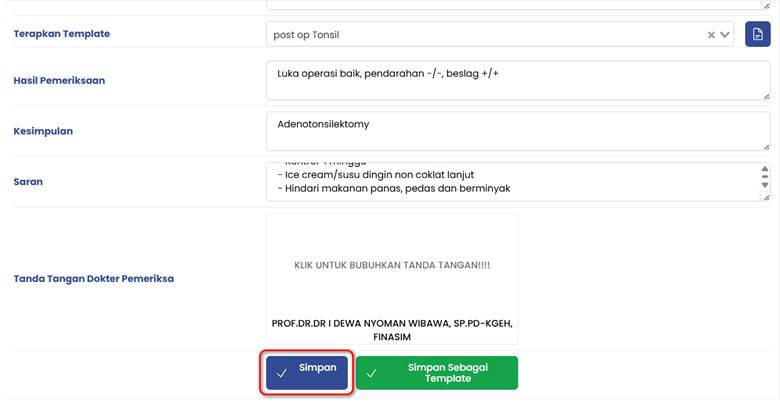
l. Pilih Simpan
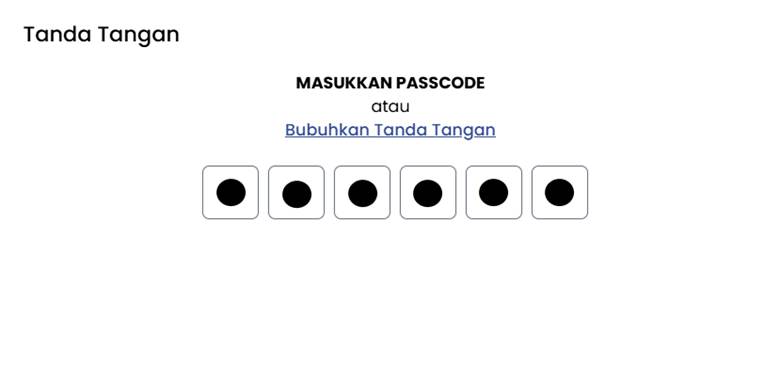
m. Masukkan Passcode atau tanda tangan
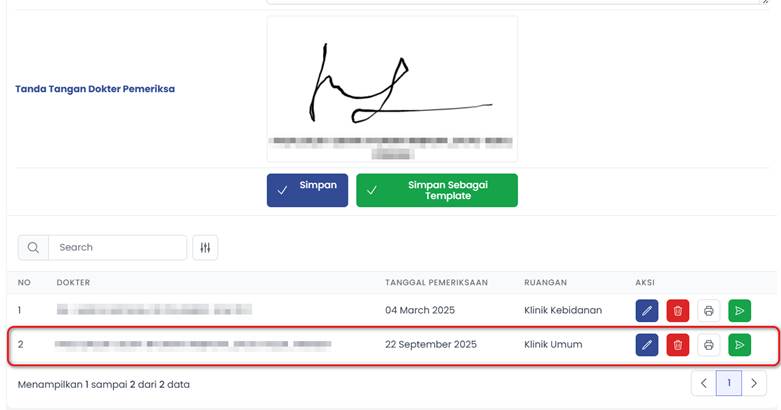
n. Data yang telah tersimpan akan muncul pada kolom