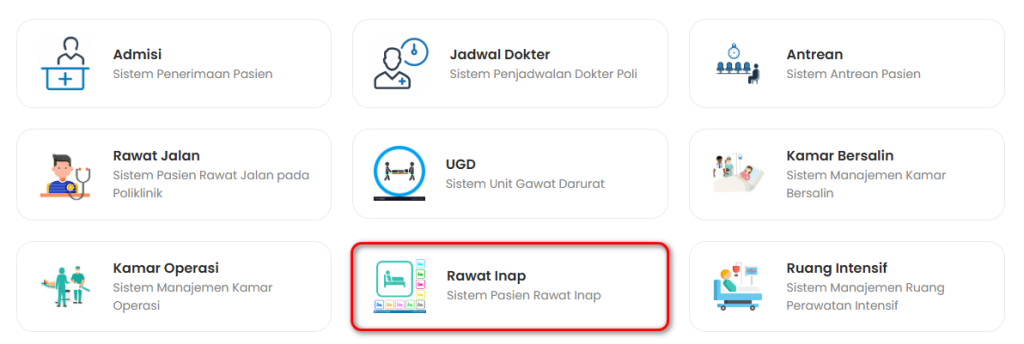
- Pilih menu Rawat Inap pada Dashboard
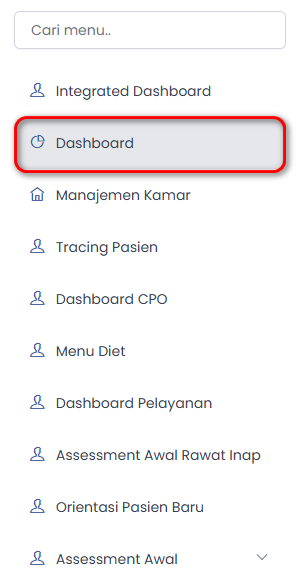
b. Lalu pilih Dashboard
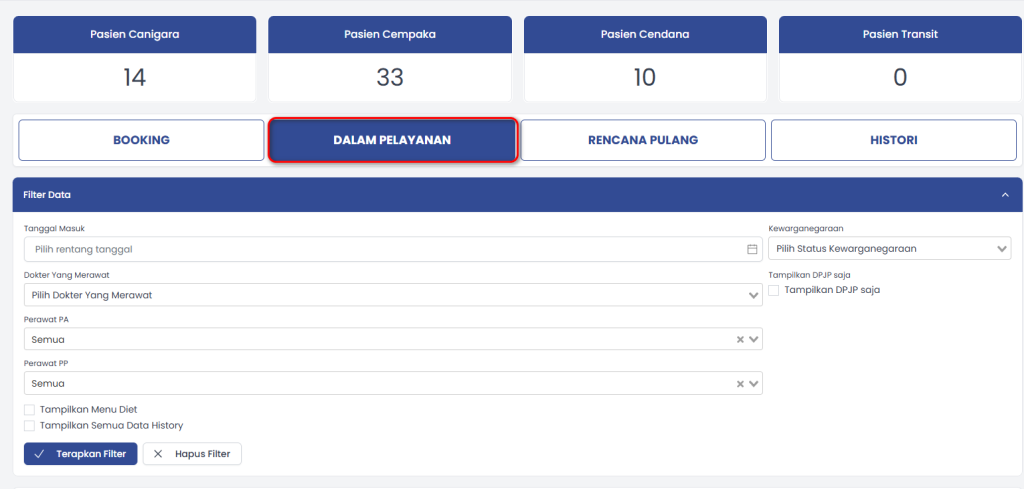
c. Pilih Dalam Pelayanan
d. Pilih Pasien

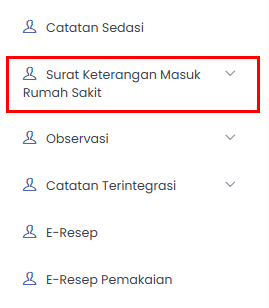
e. Lalu pilih Surat Keterangan Masuk Rumah Sakit
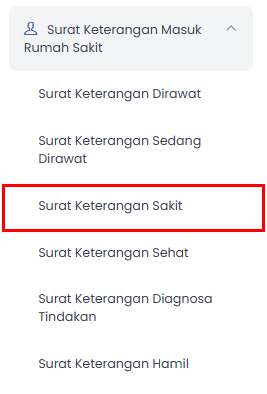
f. Pilih Surat Keterangan Sakit
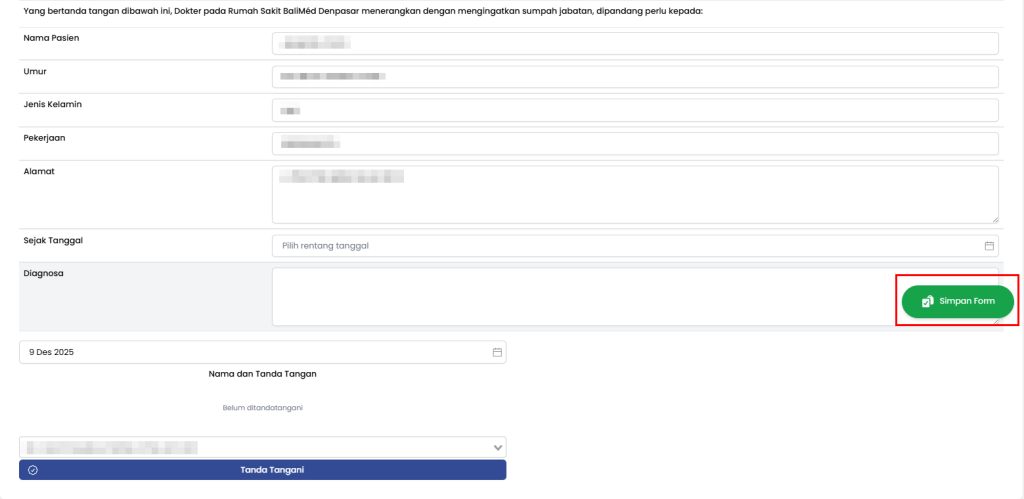
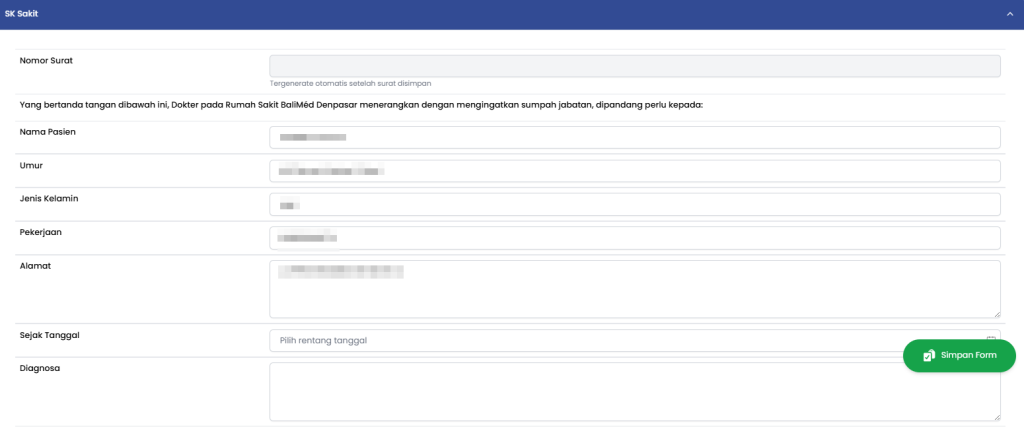
g. Lengkapi Form
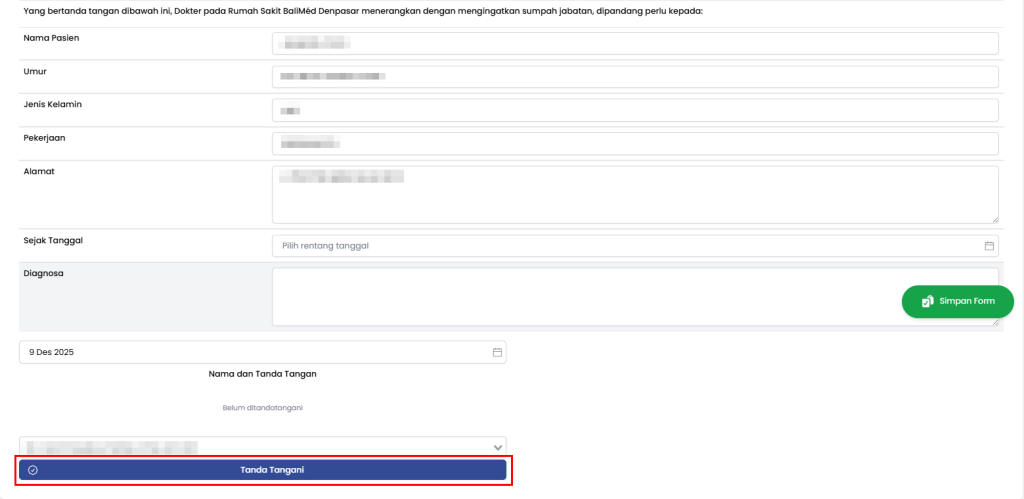
h. Pilih Tanda Tangani
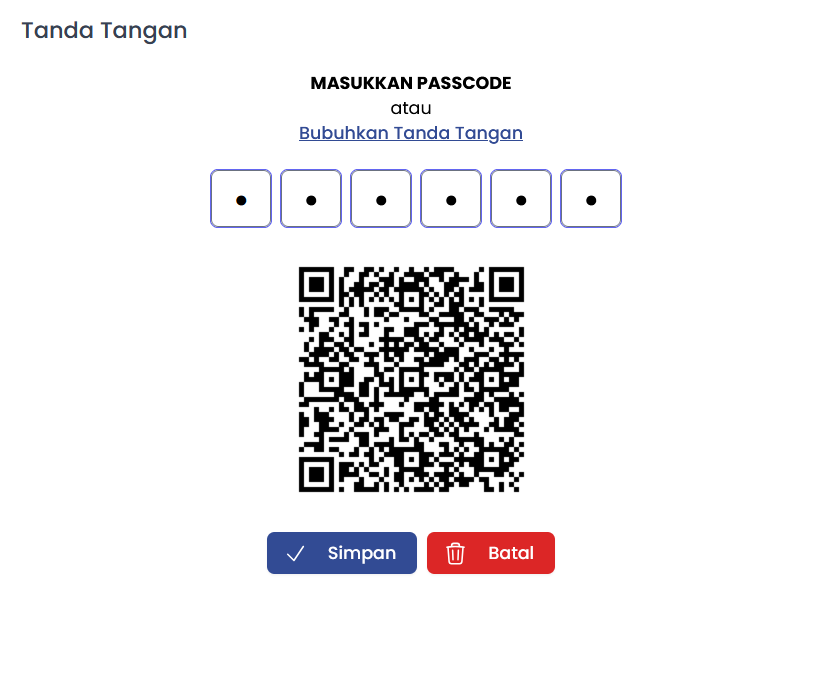
- Masukkan Passcode atau Bubuhkan Tanda Tangan
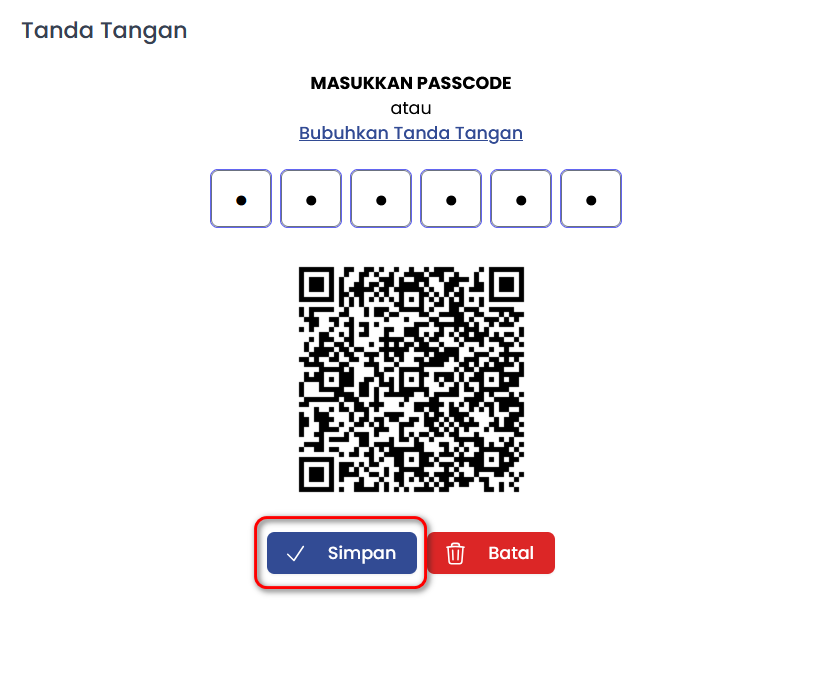
j. Pilih Simpan
k. Pilih Simpan Form