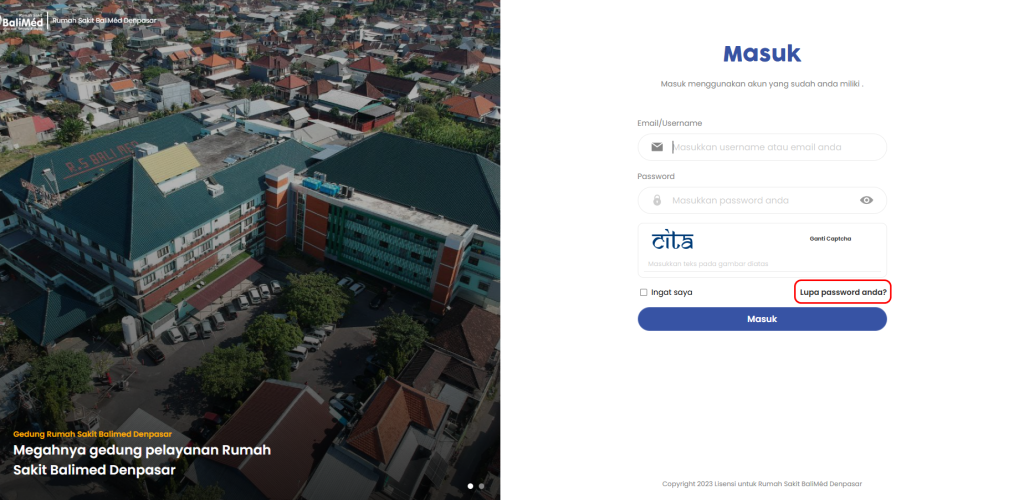
- Pertama-tama pilih Lupa Password Anda? pada Dashboard SSO
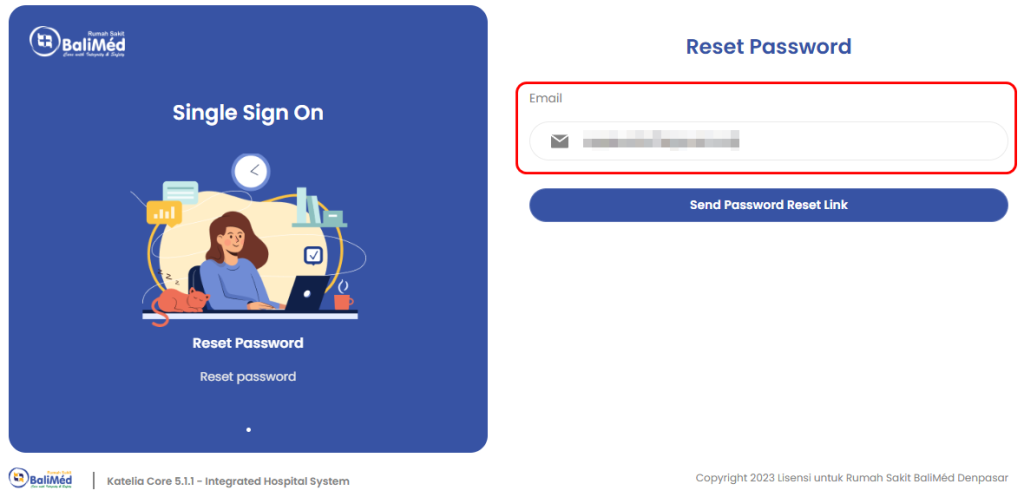
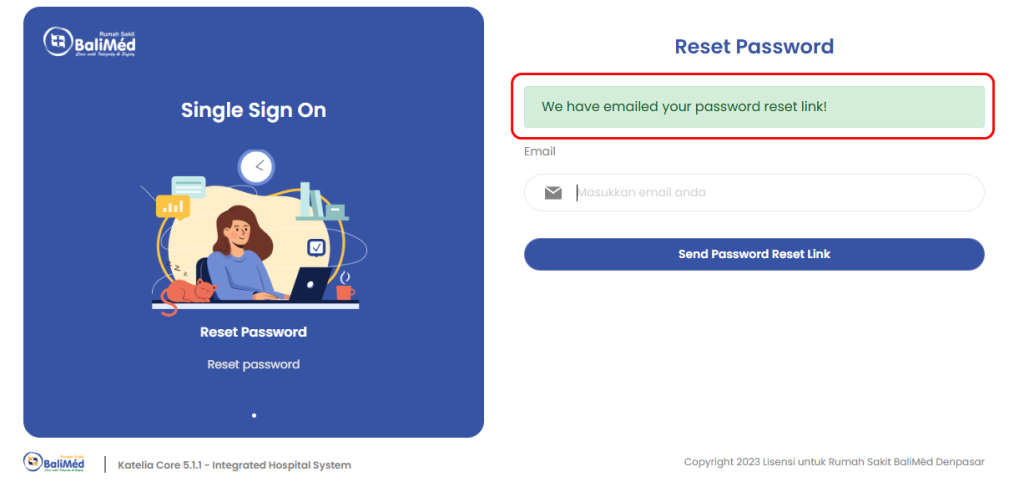
b. Setelah itu masukkan Email
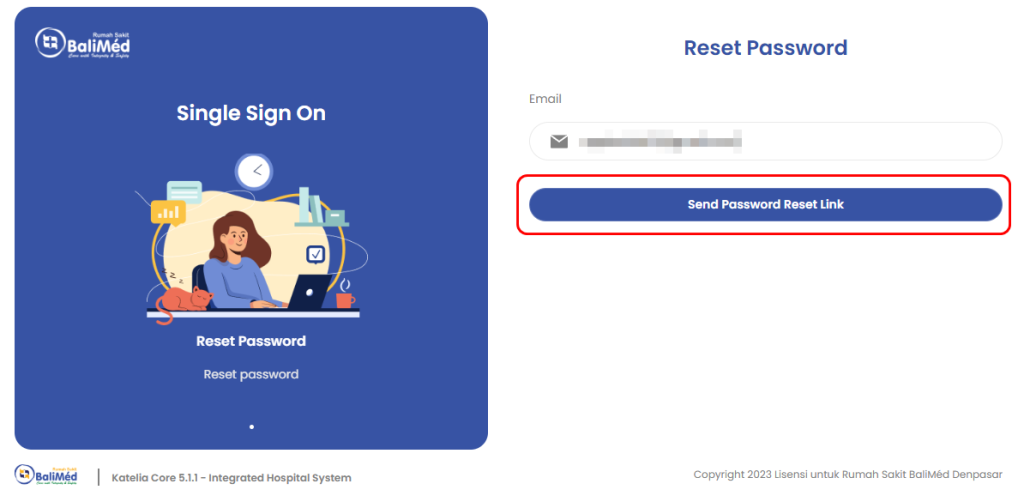
c. Pililh Send Password Reset Link
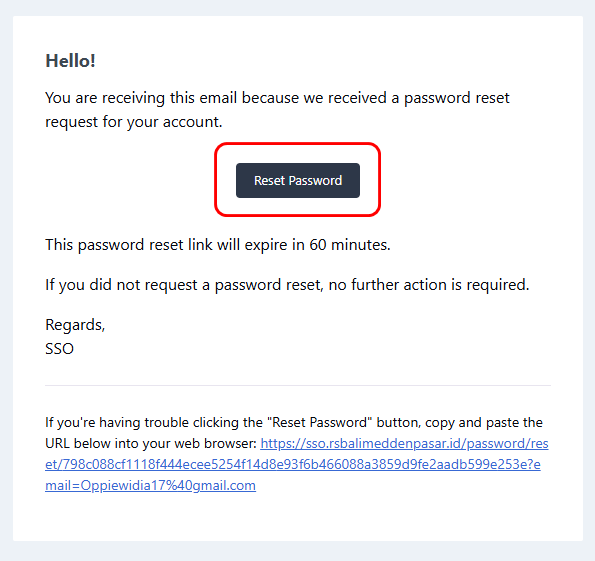
d. Check link yang telah dikirimkan pada Email
e. Pilih Reset Password
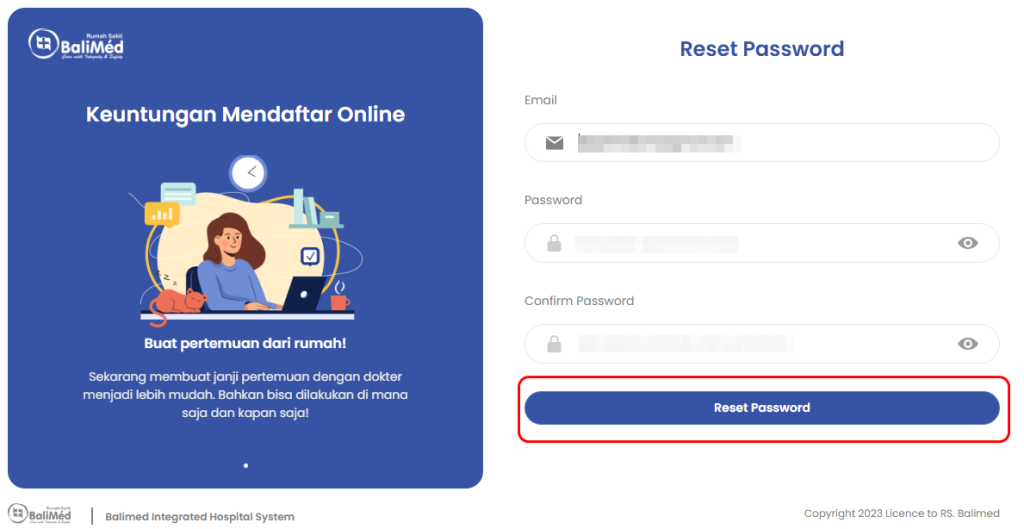
f. Masukkan kembali Email, Password baru, dan confirm password. Lalu pilih Reset Password