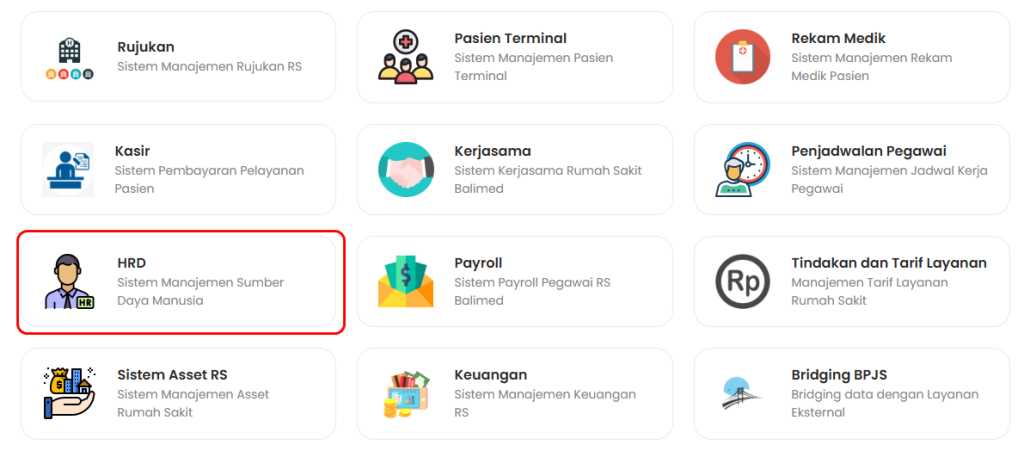
- Pertama-tama pilih menu HRD pada Dashboard SSO
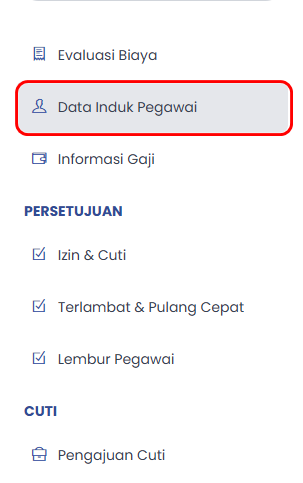
b. Setelah itu pilih Data Induk Pegawai
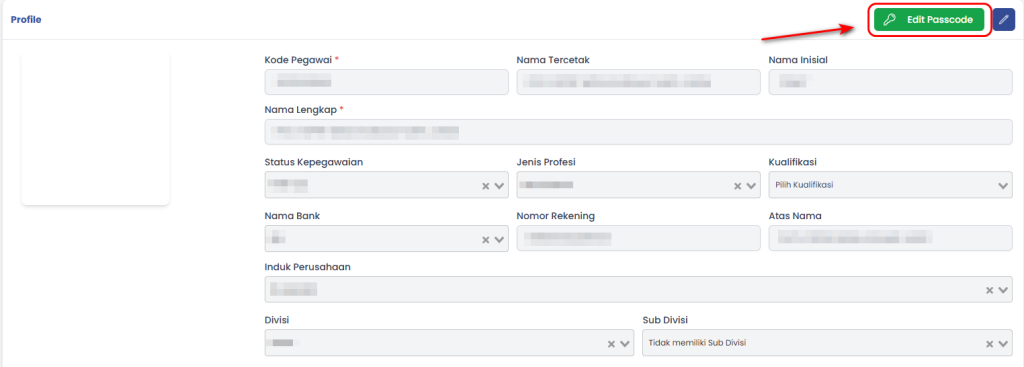
c. Pililh Edit Passcode
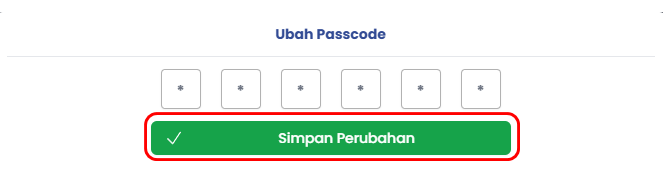
d. Masukkan Passcode baru berjumlah 5 digit
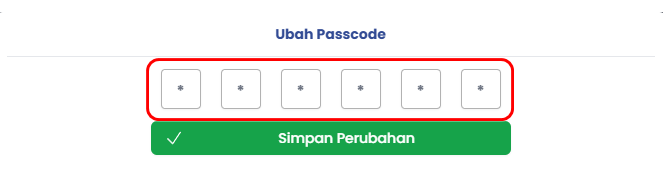
e. Lalu pilih Simpan Perubahan

b. Setelah itu pilih Data Induk Pegawai
c. Pililh Edit Passcode
d. Masukkan Passcode baru berjumlah 5 digit
e. Lalu pilih Simpan Perubahan